Mouse
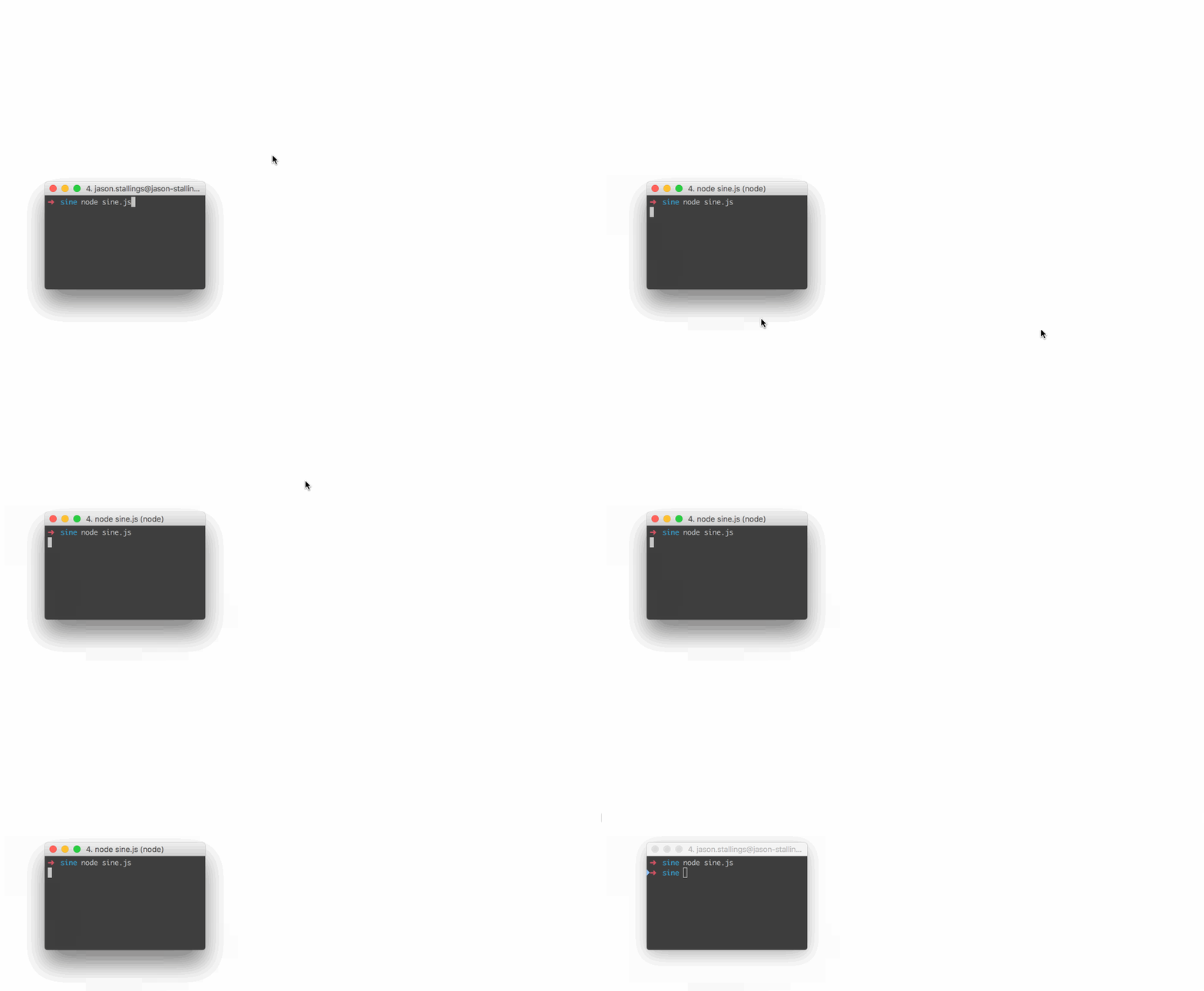
// Move the mouse across the screen as a sine wave.
const robot = require("robotjs");

// Speed up the mouse.
robot.setMouseDelay(2);

const twoPI = Math.PI * 2;
const screenSize = robot.getScreenSize();
const height = (screenSize.height / 2) - 10;
const width = screenSize.width;

for (let x = 0; x < width; x++) {
    const y = height * Math.sin((twoPI * x) / width) + height;
    robot.moveMouse(x, y);
}
Keyboard
// Type "Hello World" then press enter.
const robot = require("robotjs");

// Type "Hello World".
robot.typeString("Hello World");

// Press enter.
robot.keyTap("enter");
Screen
// Get pixel color under the mouse.
const robot = require("robotjs");

// Get mouse position.
const mouse = robot.getMousePos();

// Get pixel color in hex format.
const hex = robot.getPixelColor(mouse.x, mouse.y);
console.log(`#${hex} at x:${mouse.x} y:${mouse.y}`);
Image Search
const robot = require("robotjs");

const screen = robot.screen.capture();
const target = robot.image.load("./target.bmp");
const match = screen.findImage(target, { tolerance: 0.1 });

if (match) {
    screen.click(match, target);
}
Read the Docs for more information!